Audio capture
Meetings or calls.
A mode for each.
Choose meeting or call mode to suit the conversation. Three microphones and built-in noise reduction help capture voices.
 AIVIZAExplore products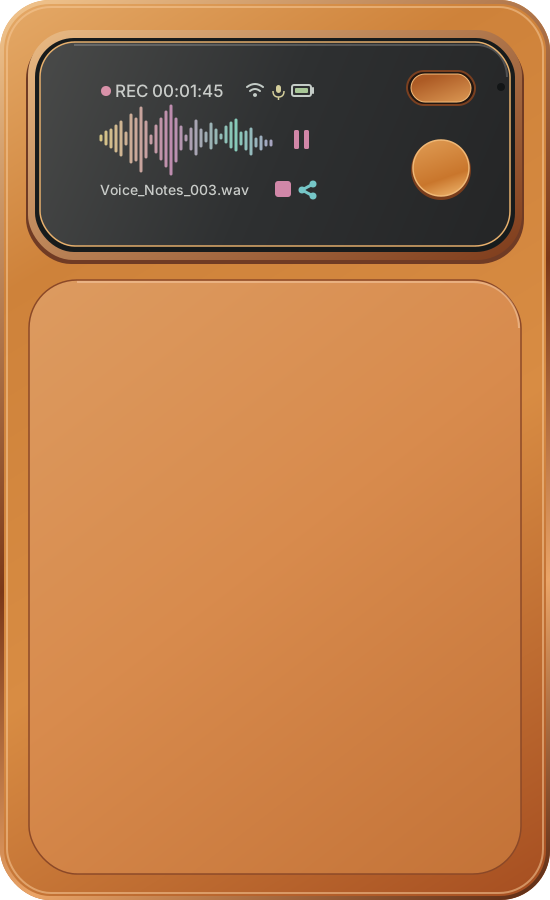
AIVIZA / Recording card
A slim recording card for meetings, interviews and everyday ideas. 9 × 5.5 × 0.5 cm and 44.8 g, with a front display and physical controls.
90 × 55 × 5 mm 44.8 g
AIVIZA Note · Product highlights
A recording companion for meetings, calls and the ideas in between. Small enough to keep close. Ready when the conversation begins.
Approximate recording time
25 hours1
Room for longer conversations.
Approximate pickup distance
5 metres1
Capture voices around the table.
Lightweight design
44.8 g
Easy to bring along.
Magnetic design
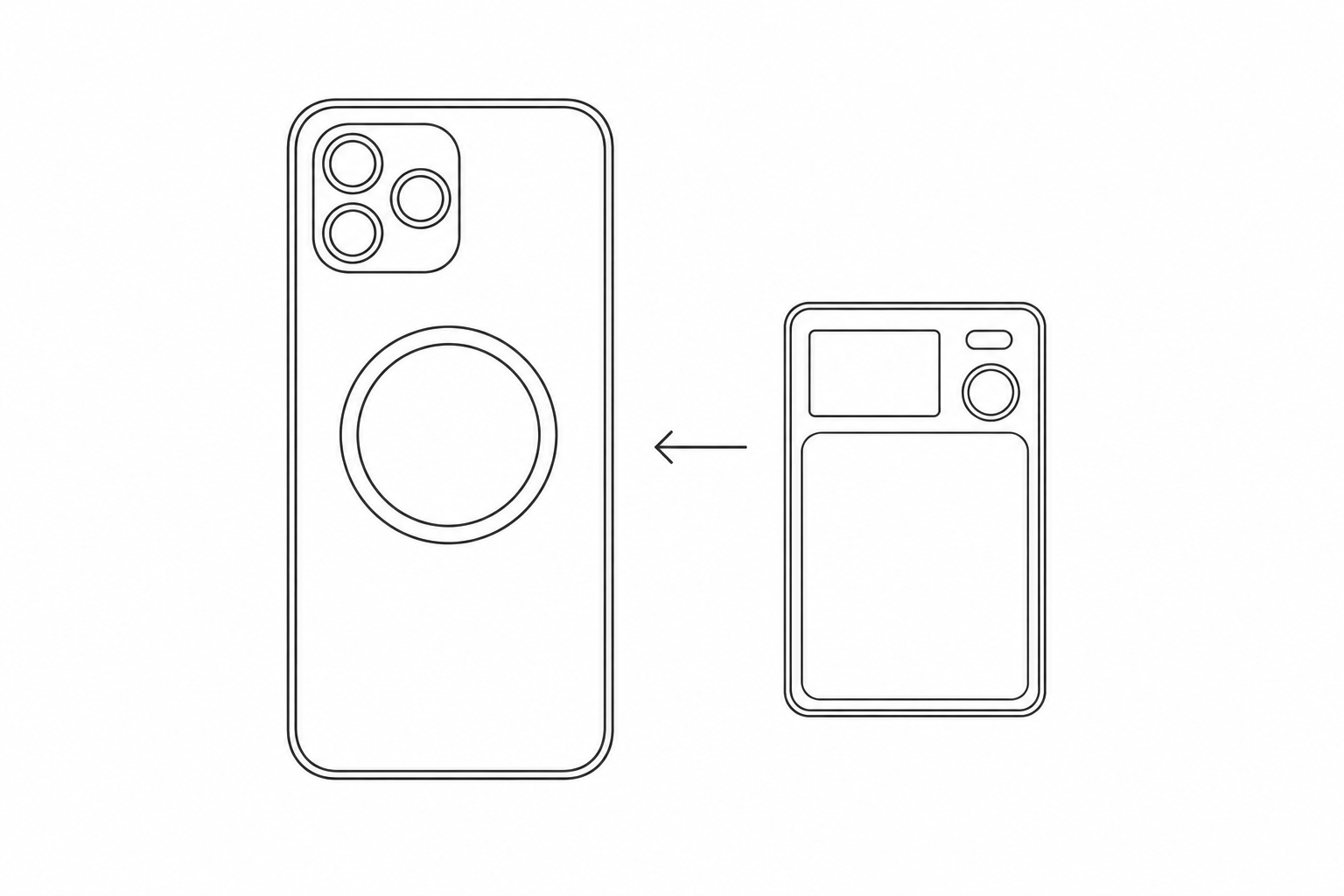
Attach Note to a compatible phone or case. For other phones, the included magnetic ring helps keep it in place.
Simple controls
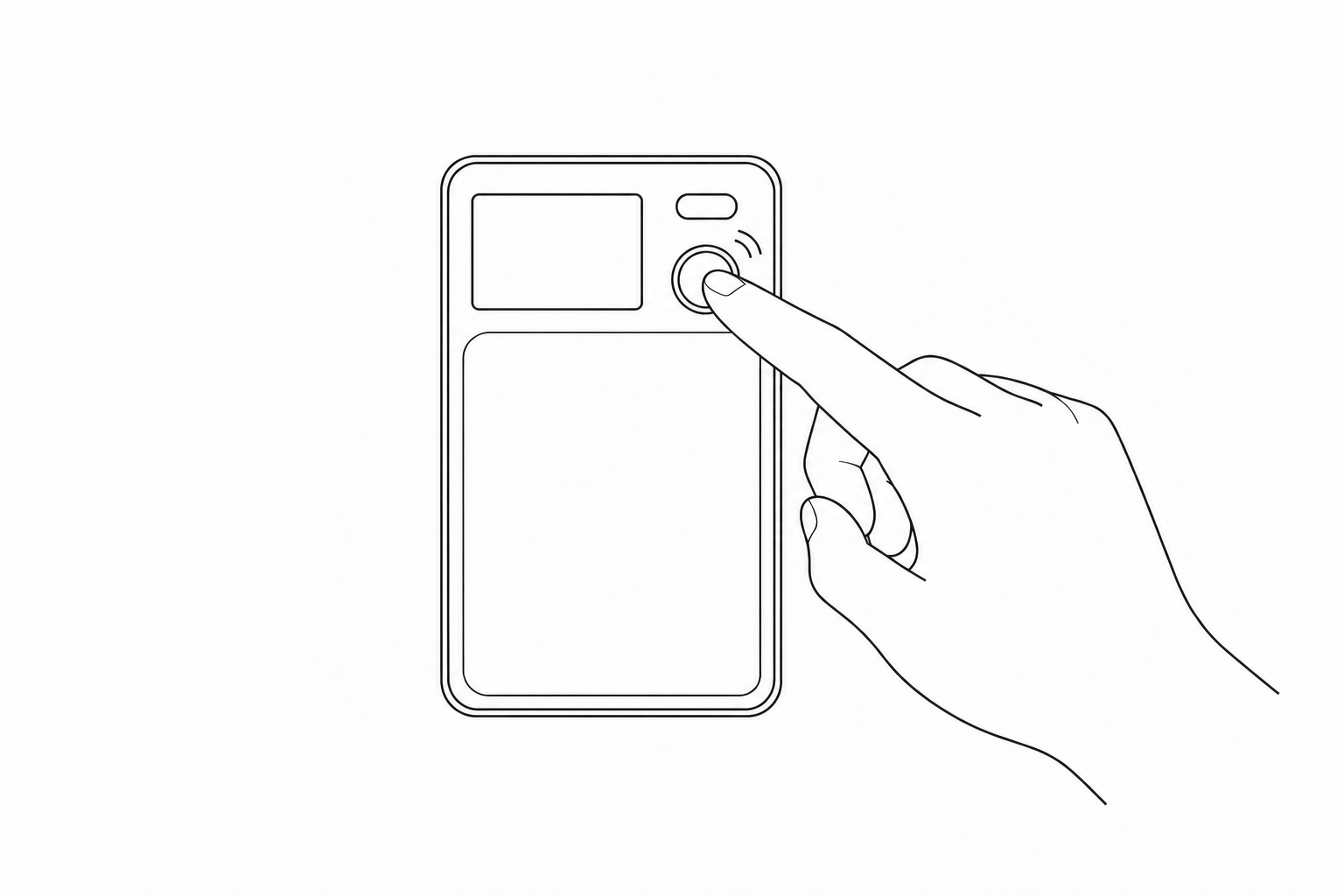
Double-press the round record button to start or finish. Press once to pause, then once again to resume.
Audio capture
Choose meeting or call mode to suit the conversation. Three microphones and built-in noise reduction help capture voices.
Your recordings
Automatic saving helps keep your recordings. While connected to the AIVIZA app, recording data can upload in the background.
AIVIZA app
Revisit the transcript, choose from six summary formats, and find answers in your saved conversations with Ask AI.
Explore app features →1 Recording time and pickup distance are approximate. Actual performance varies with settings, battery condition and the recording environment.
Connect the USB-C cable to charge, then hold the power button for three seconds to turn Note on.
Sign in, choose Add Device and follow the instructions to connect your Note.
Double-press the record button to begin. Double-press again when you are finished.
Note attaches directly to iPhones and cases that support magnetic attachment. For other phones or cases, attach the included magnetic ring to a suitable position first, then place Note on the ring.
Yes. Press the record button once to pause, and once again to resume. Double-press when you want to finish the recording.
When Note is connected to the AIVIZA app, recordings can upload in the background during recording. Keep the connection and network available for uploading.
Note switches off when the battery is too low. Recordings already saved before shutdown are kept. Recharge with the USB-C cable before your next session.
Remove Note from the original account in the AIVIZA app before connecting it to a different account.
This is a product design preview. Final materials, price and availability will be confirmed with the product release.